iPhone dropped in seawater in Phuket: what to do now
If your iPhone was exposed to seawater, pool water or another liquid, do not keep testing it. Switch it off if safe, do not charge it, and tell the repair shop what happened and when.
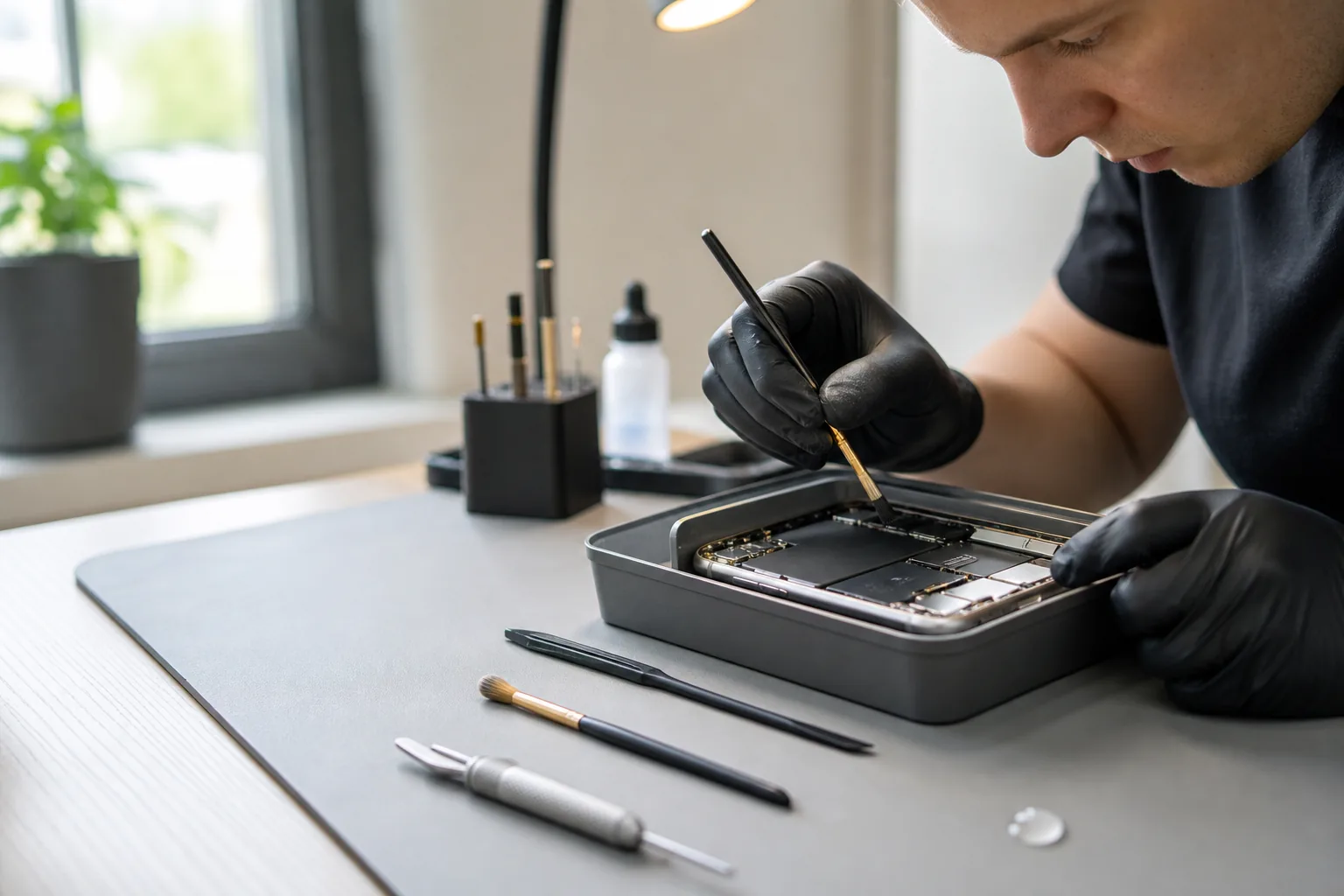 AI-GENERATED ILLUSTRATION
First steps that reduce risk
Remove it from the liquid, wipe the outside and power it off if the screen still responds safely. Keep the device dry and avoid pressing buttons repeatedly.
- Do not connect a charger or power bank
- Do not use a hair dryer or heat
- Do not rely on rice to remove internal moisture
- Write down the liquid type and time of exposure
Why seawater needs prompt attention
Saltwater can leave conductive residue and corrosion. A phone may appear normal at first, then develop charging, display, battery or board faults later. An assessment cannot promise recovery, but delaying can increase uncertainty.
What to send before visiting
A short message helps the workshop prepare the right next step. Include the model, whether it is currently on, the liquid type, the time since exposure, and whether important data is the priority. Say if you have charged it or tried switching it on since the incident, and mention your departure date if you are visiting Phuket.
Choose the service scope before handing over the phone
TK Mobile Service in Patong offers two liquid-damage service levels. Emergency cleaning and drying removes moisture and contamination but does not include full diagnosis, parts replacement or a promise that the phone will work again.
Full inspection includes cleaning and diagnosis of the affected parts and board. The shop explains the findings and asks for approval before repairs. The fee and scope must be agreed before visiting or sending the phone; liquid-damage coverage applies only to the work described, not the whole device.
Further reading
Discuss the model and symptoms before travelling.
Inspection is chargeable. Confirm the fee and scope in chat before bringing or sending the device. Parts, repair price, timing and warranty are explained before you approve any repair.
Read the liquid-damage service guideCommon questions
Can I charge an iPhone after it falls into seawater?+
For a submerged phone, do not keep charging or testing it; arrange an assessment. A dry charging connector alone does not establish that the inside is undamaged.
Will my data be safe?+
Recovery cannot be promised after liquid exposure. Tell the shop if data is the priority before any repair decisions, and describe whether you have a recent backup.
Is a liquid-detection alert the same as a flooded phone?+
No. Apple's alert concerns liquid detected in the connector or accessory. Actual submersion and internal damage need separate consideration. Follow Apple's connector-drying guidance for an alert, and tell the technician if the phone fell into water.
Can cleaning alone fix the phone?+
Cleaning and drying do not include repairing a damaged part. The phone may still need diagnosis and a separate approved repair; a return to normal operation is not guaranteed.