iPhone screen cracked but touch still works: does it need a full display?
A cracked outer glass does not always mean the entire display has failed. However, black patches, lines, flicker, ghost touch or a lifting display need a closer assessment before choosing a part.
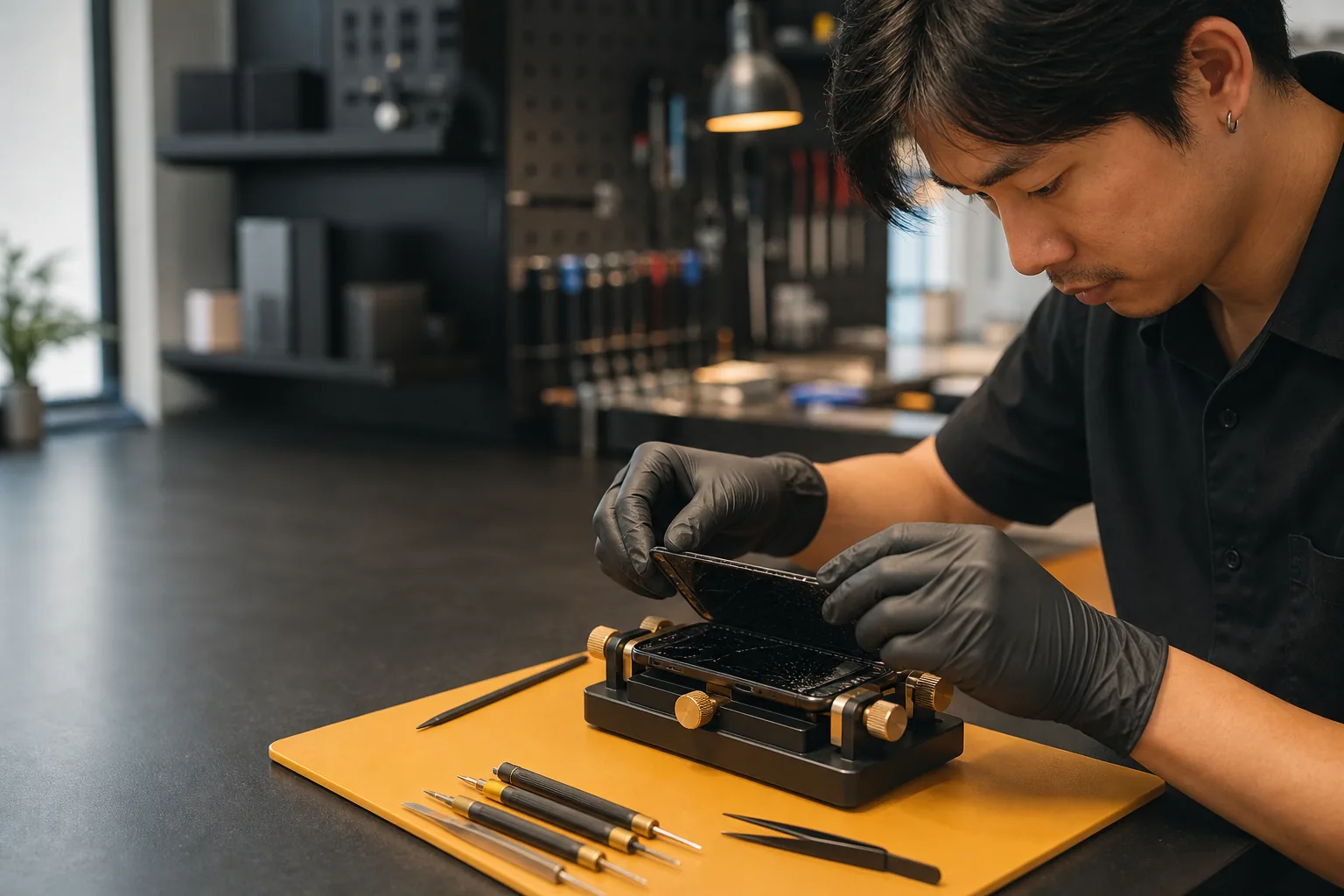 AI-GENERATED ILLUSTRATION
Tell the shop what you have noticed
Avoid using a phone with cracked glass, which can cause injury. Describe what you have already observed rather than pressing on the damaged screen to test it.
- Image is clear or has black patches / lines
- Touch worked normally or stopped responding
- Brightness flickered or the phone touched by itself
- The display is lifting or separated from the frame
Why the exact model matters
iPhone display construction, available part options and related warnings vary by model. The workshop should confirm the model, damage and the desired trade-off between part source, appearance, function and budget before work.
Prepare before repair
Check whether you already have a recent backup. Send a photo of the damaged phone taken with another device, the exact model and any symptoms after the drop. Keep personal information out of the image. This helps the shop check suitable options and availability before you travel.
What a useful screen-repair quote should explain
At TK Mobile Service, available options may include Incell, OLED, Soft OLED, genuine pulled and new genuine displays, depending on the model and stock. Ask about the selected part's source, display characteristics, related function limitations and warranty rather than choosing by the word 'original' alone.
The shop confirms inspection fees and repair scope before approval. Alternative display work is generally around 1 hour and genuine options around 2–3 hours, subject to the device, queue and parts. Tell the shop if you need the phone back before leaving Phuket.
Further reading
Discuss the model and symptoms before travelling.
Inspection is chargeable. Confirm the fee and scope in chat before bringing or sending the device. Parts, repair price, timing and warranty are explained before you approve any repair.
Compare screen repair optionsCommon questions
Can I keep using a cracked iPhone screen?+
A working touch screen does not make broken glass safe. Avoid continued use and arrange repair; do not press loose pieces back into place.
Will changing the screen erase data?+
A display repair normally does not require erasing data, but no repair should be treated as a substitute for a backup. Tell the shop if important data is not backed up.
Does working touch mean only the glass needs repair?+
No. The model, display condition and available repair methods still need assessment. Describe the image and touch symptoms, and ask which options the workshop offers for that model.