iPhone battery drains fast or looks swollen: when to stop using it
Battery drain does not always mean the battery alone is at fault. If you suspect battery damage, such as swelling or a lifting screen, stop using and charging the phone and arrange an assessment.
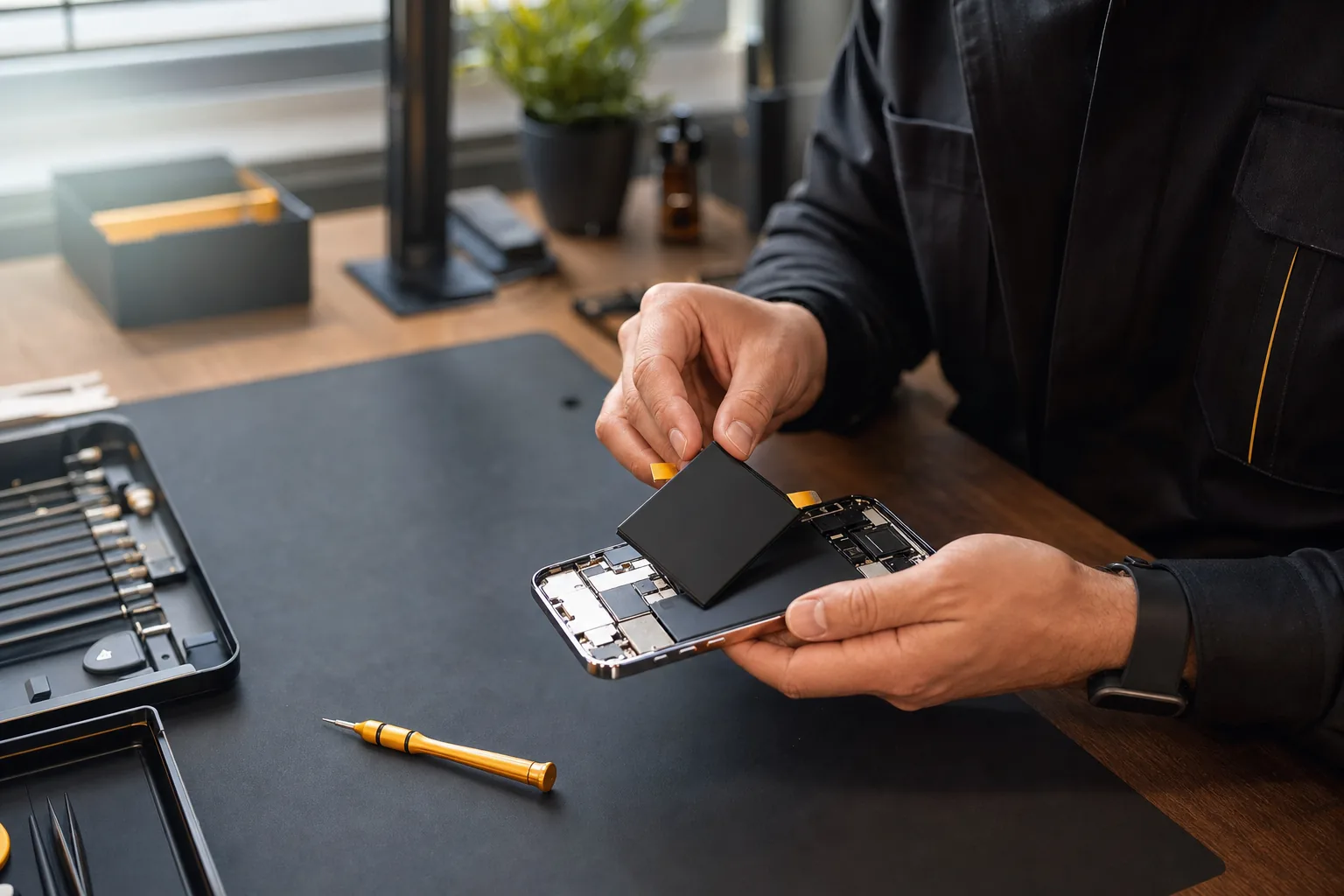 AI-GENERATED ILLUSTRATION
Symptoms worth recording
Record when the battery drains, whether it shuts down unexpectedly, if charging is intermittent and whether the phone becomes hot. Details about recent drops, water exposure or repair history also matter.
- Battery percentage drops unexpectedly
- The phone shuts down or restarts
- The frame or screen is lifting
- Heat appears during normal use or charging
If the battery may be swollen
Do not press the display down, puncture the device or continue charging. Keep it away from heat and arrange a check. A swollen battery needs physical inspection; online messages can only help with initial triage.
Choose a replacement with the facts
TK Mobile Service offers new genuine and OEM battery options according to the model and availability. Confirm the part source, expected iOS information, warranty and timing before work. New genuine parts are sourced through parts suppliers; TK is an independent workshop, not an Apple Authorized Service Provider.
Battery Health and parts-history messages depend on the model, software, part and repair process. Apple notes that an unverified battery can give inaccurate battery-health information. Ask the shop what information your particular repair is expected to show.
Before visiting the Patong workshop
Send the iPhone model, symptoms and any relevant repair history through WhatsApp or LINE. The shop explains the inspection fee before you visit or send the device, and confirms the price and warranty before approval. A general battery-repair estimate is around 1 hour for alternative parts or 2–3 hours for new genuine parts, subject to the condition, queue and stock.
If you suspect the battery is swollen or damaged, tell the shop before arranging transport. Do not book ordinary parcel delivery until you have checked safe handling and the carrier's acceptance rules for damaged batteries.
Further reading
Discuss the model and symptoms before travelling.
Inspection is chargeable. Confirm the fee and scope in chat before bringing or sending the device. Parts, repair price, timing and warranty are explained before you approve any repair.
Read the battery replacement guideCommon questions
Should I keep charging a swollen iPhone battery?+
No. Stop using and charging it, and arrange assessment by a trained technician. Do not press the screen back down or open the battery yourself.
How long does battery replacement take?+
Alternative battery work is generally around 1 hour; new genuine battery work around 2–3 hours. The model, queue, condition and stock must be confirmed first.
Will replacing the battery remove every battery warning?+
Not necessarily. The expected Battery Health and parts-history information depends on the model, part and repair process. Confirm any limitations for the chosen option before approving it.